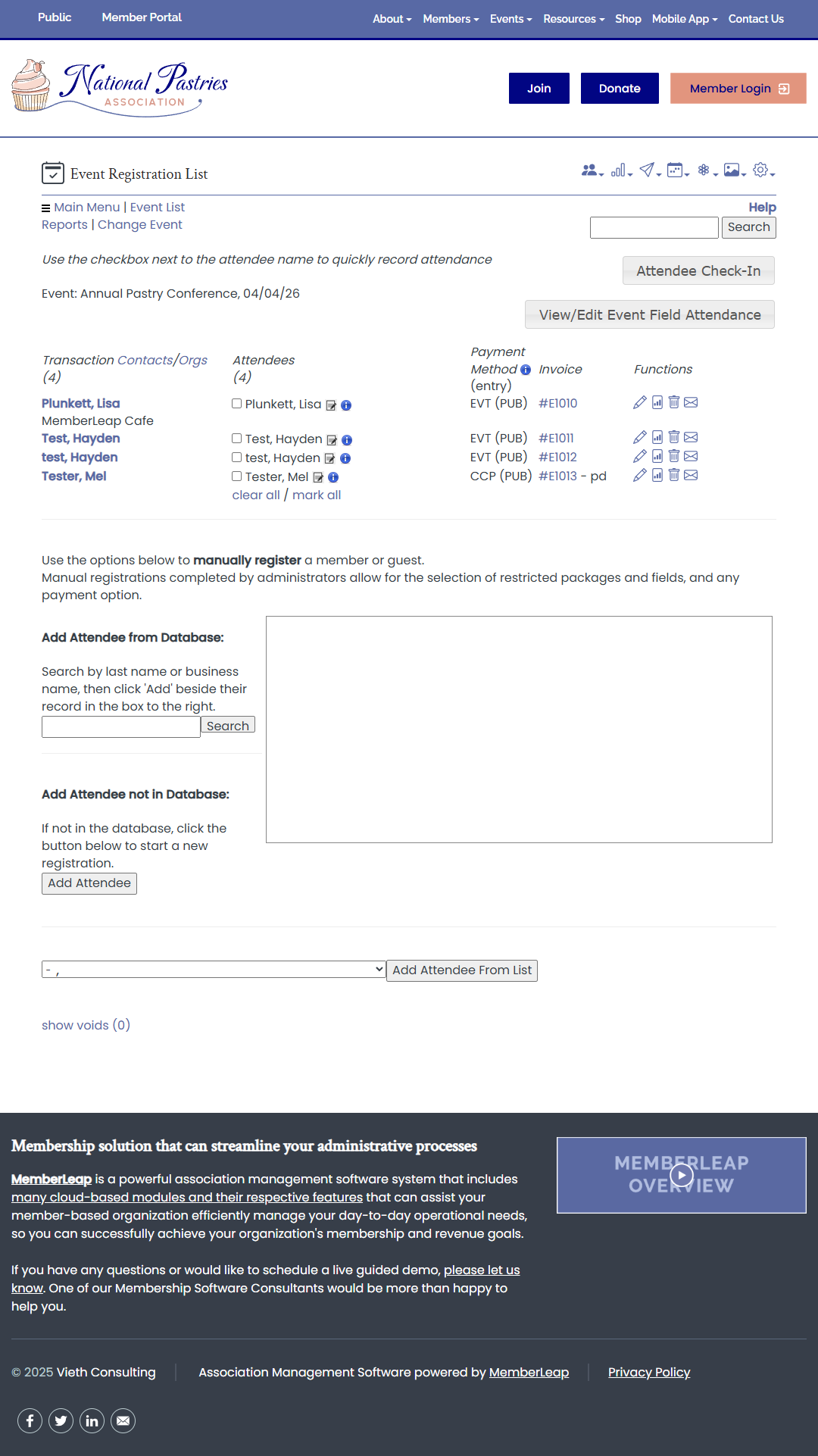
Admin Check In - Admins can scan the attendee's QR code in their event registration email or on their name badge to check them in to the overall event as well as in and out of individual sessions to record attendance
Attendee Check In - Members can scan QR codes for the overall event or individual sessions to record their own attendance.
Admins can access the attendee list by logging into their account via a desktop, laptop, or tablet and then manually check the boxes under Attendees to check-in registrants. They also have access to display a summary of that registrants' selections during registration.
Admins can scan the attendee's QR code in their event registration email to check them in to the overall event as well as in and out of individual sessions to record attendance.
Admins can track registrations who attend individual sessions that offer continuing education hours and then email transcripts to these registrants.